How do i activate my license?
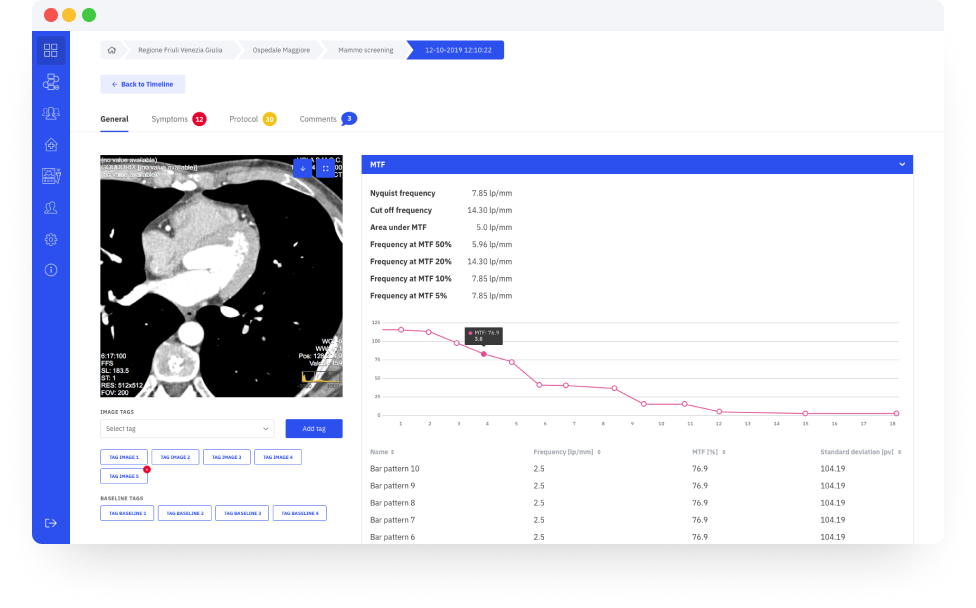
Whoever wants to try AutoPIA can get a free demo which allows image analysis (on demo or own images) and control charts management. To start your free trial follow this steps:
Your order has been received. We sent an email to your address with your order confirmation and instruction for your payment. If the email hasn’t been received within two minutes, please check your spam folder to see if the email was routed there.
This might help you
Whoever wants to try AutoPIA can get a free demo which allows image analysis (on demo or own images) and control charts management. To start your free trial follow this steps:
If you haven’t already downloaded the program installer, click here to download it. After your download is finished, install AutoPIA on your pc and run it.
Select “Request demo license” from the start page of AutoPIA and follow the instruction. You will need a USB device (like a flash drive) to which the license will be associated. The process will end with the creation of a file.
Send us the generated file and we will send you back the license file for your free trial.
If you need to download an older version of AutoPIA Desktop, you can do it at this page.
At this page you can find a list of images that you can download for free to test the software.
You can download the user manual of AutoPIA Desktop at this link.
Your order has been received. We sent an email to your address with your order confirmation and instruction for your payment. If the email hasn’t been received within two minutes, please check your spam folder to see if the email was routed there.
This might help you
Whoever wants to try AutoPIA can get a free demo which allows image analysis (on demo or own images) and control charts management. To start your free trial follow this steps:
If you haven’t already downloaded the program installer, click here to download it. After your download is finished, install AutoPIA on your pc and run it.
Select “Request demo license” from the start page of AutoPIA and follow the instruction. You will need a USB device (like a flash drive) to which the license will be associated. The process will end with the creation of a file.
Send us the generated file and we will send you back the license file for your free trial.
If you need to download an older version of AutoPIA Desktop, you can do it at this page.
At this page you can find a list of images that you can download for free to test the software.
You can download the user manual of AutoPIA Desktop at this link.