
Open a file is a very basic operation that is performed, like in the vast majority of desktop applications, with the menu File|Open. As an alternative, it is possible to use the toolbar open button.
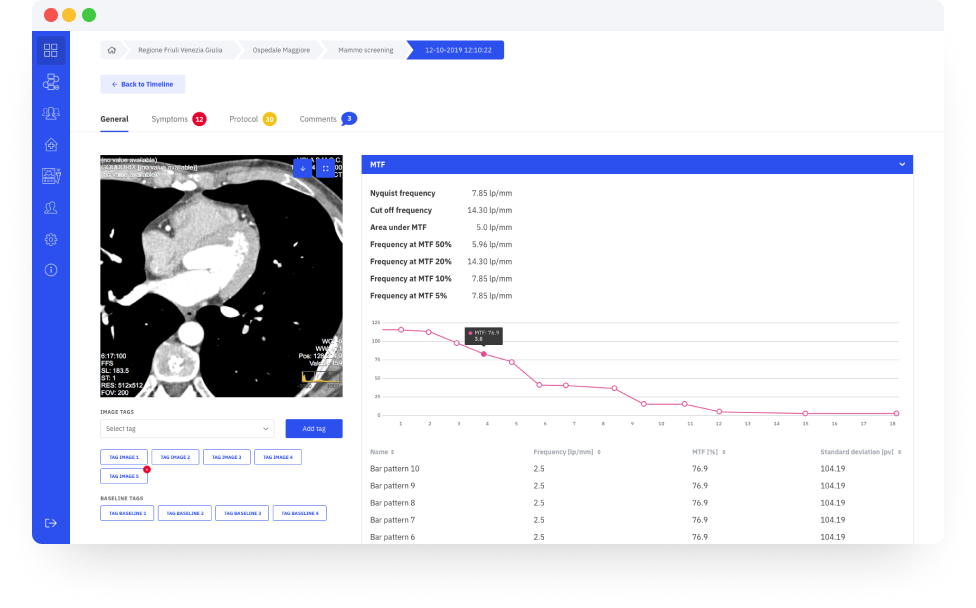
AutoPIA supports the following file formats TIFF, GIF, JPEG, PNG, DICOM, BMP, PGM and FITS. DICOM is the preferred one, because it has been specifically designed for medical images and because it contains lot of useful information about the image itself and the acquisition process (e.g. exposure conditions).
When the image is loaded, it is visualized inside the Close-up view, and if the image is a DICOM one, all DICOM headers are visualised in the DICOM tab on the right.